
Why Do Underwater Photos Look So Blue?
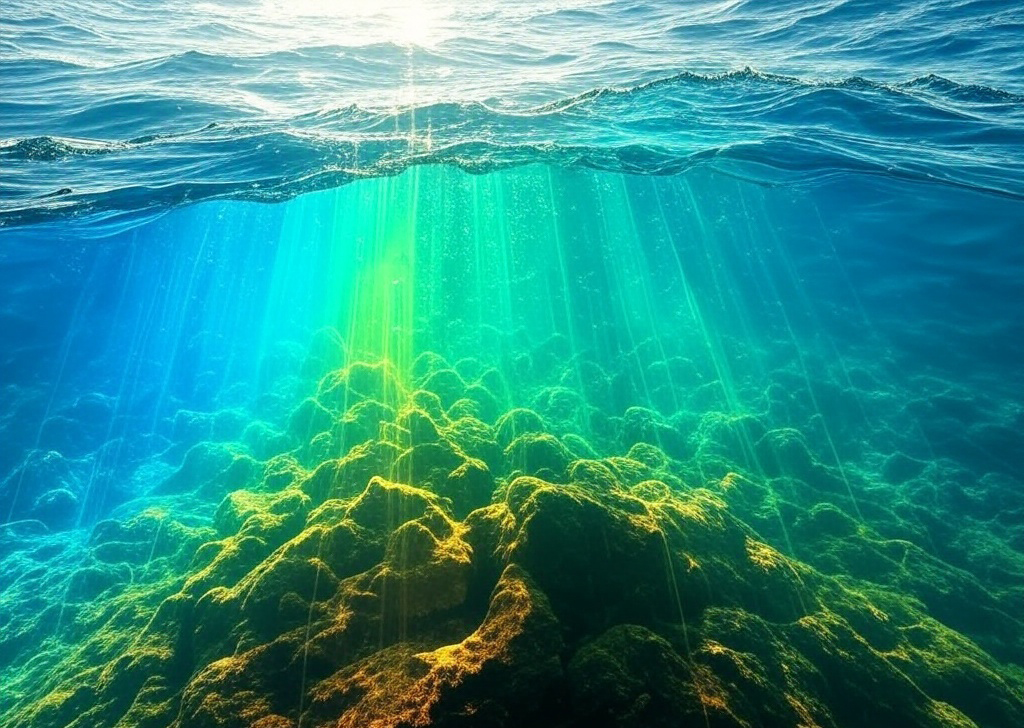
Ever noticed how everything looks blue-green when you're scuba diving? Or how a bright red fish looks dull the deeper you go? There’s a reason for that.
Understanding how water absorbs light can help explain why underwater photos and videos often look washed out, and what you can do to bring those colors back.
Why Do Colors Fade Underwater?
Sunlight contains different colors, each with its own wavelength. As light travels through water, some wavelengths are absorbed more quickly than others.
Red light is absorbed first, often becoming noticeably weaker within the first 5 meters (16 feet). Orange and yellow gradually fade as you descend, and blue and green wavelengths penetrate farther.
The exact rate depends on water clarity, depth, and lighting conditions, but the result is familiar to most divers: underwater scenes become increasingly blue or green the deeper you go.
This is also why a colorful reef can look completely different in person than it does in your underwater photos.
How Can You Bring Those Colors Back?
Fortunately, there are a few ways to improve the colors in your underwater photos and videos.
Get closer to your subject. The less water between your camera and your subject, the less light is absorbed and scattered.
Use a dive light or strobe. Artificial lighting helps restore the colors that disappear with depth, revealing the vibrant details of coral and marine life.
Correct your colors afterward. Editing software can help balance blue or green color casts and improve the appearance of underwater photos and videos, even when you haven't used artificial lighting.
Try Underwater Color Correction
At TheScubaDirectory, we've developed a free Color Correction tool that automatically adjusts underwater photos and videos with just one click.
Simply upload your photos or videos, let the tool process them, and see the difference. No editing experience required.
Try Free Underwater Color Correction
Originally published by TheScubaDirectory. Adapted for Divers Hub.